
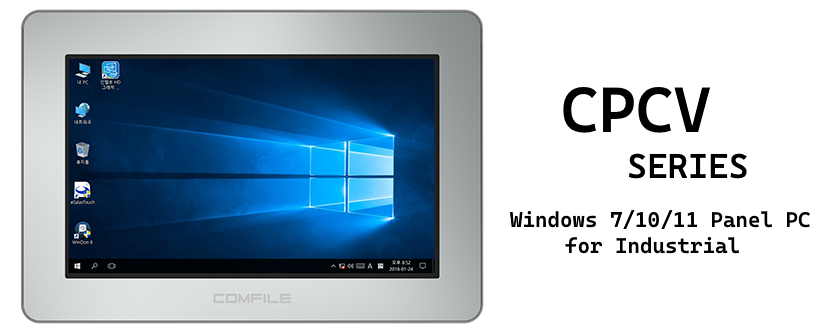
Restoring a CUPC to its Factory Default State
Every CPCV Panel PC has a recovery partition that contains a disk image for restoring the CPCV5 to a factory default state using the included WinClon utility.
It is an a simple, easy, and very quick way to return a CUPC panel PC to a functioning state.
We've created two videos to illustrate the procedure:
- Restoring the CUPC to a factory default state
- Creating a custom restore image and restoring a CUPC to its state.
Apr 4th 2017
Recent Posts
-
![[New Product] CPi-G070WR — Raspberry Pi 5 Performance for Industrial Applications](https://cdn11.bigcommerce.com/s-hcazw/images/stencil/160w/uploaded_images/g070wr.png "[New Product] CPi-G070WR — Raspberry Pi 5 Performance for Industrial Applications")
[New Product] CPi-G070WR — Raspberry Pi 5 Performance for Industrial Applications
Meet the CPi-G070WR: Raspberry Pi 5 Performance for Industrial Applications Your next industrial pan …Sep 26th 2026 -
![[New Product] CPi-J070WR — The Next Chapter of CUWIN](https://cdn11.bigcommerce.com/s-hcazw/images/stencil/160w/uploaded_images/eng-cpi-j070wr1.png "[New Product] CPi-J070WR — The Next Chapter of CUWIN")
[New Product] CPi-J070WR — The Next Chapter of CUWIN
We've kept you waiting long enough. CPi-J070WR is here — our first model powered by the CM5 (Compute …Jun 15th 2026 -
Introducing Modula Pi – Industrial Raspberry Pi Platform
Introducing Modula Pi For a long time, many of our customers have asked the same question: “Can I u …May 8th 2026