
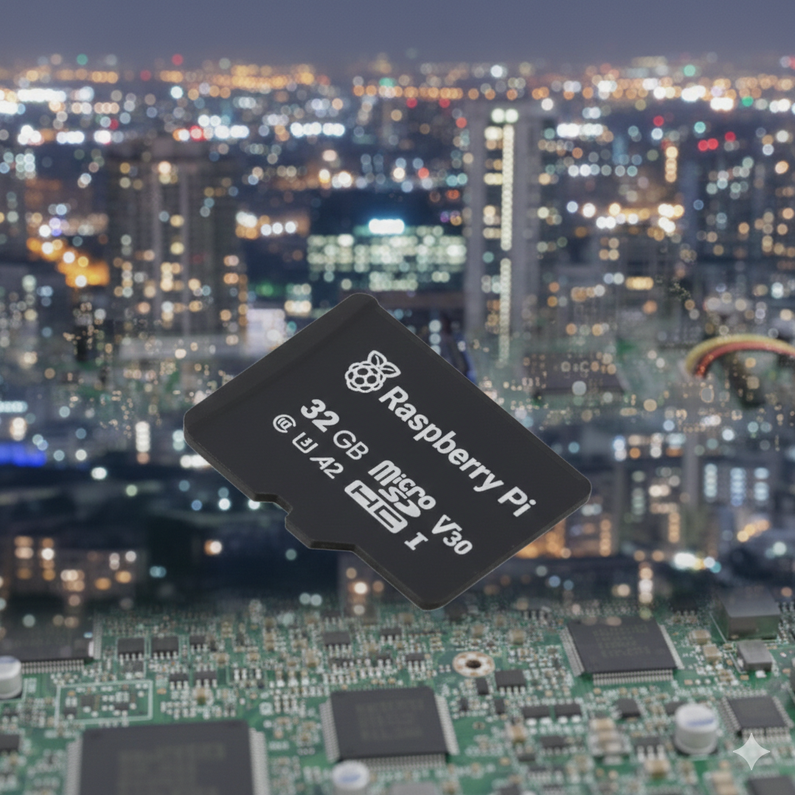
CPi Panel PC Lite Models are Upgrading to 32GB SD Cards
The standard SD card capacity for CPi Panel PC (Lite models) is being upgraded from 8GB to 32GB. Moving forward, Lite units will ship equipped with the Raspberry Pi 32GB SD card.
Why the Change?
The SD card market has shifted decisively toward higher capacities, rendering 8GB cards a low-volume niche, and a less desirable option.
- Software Demands: Modern OS installations are increasingly leaving less room for additional data partitions on an 8GB card, forcing developers to make unnecessary compromises when creating the OS image.
- Supply Chain Stability: Lower-volume SKUs are increasingly likely to face unpredictable availability and higher costs.
- Cost-Efficiency: Mainstream 32GB cards now offer a superior price-to-performance ratio compared to the existing 8GB cards.
By migrating to 32GB, we are aligning with current market trends to ensure better availability, increased storage headroom, and improved performance.
Impact
Increased Capacity
The jump to 32GB provides ample headroom for larger partitions, OS features, user data, and long-term data logging without the risk of storage exhaustion.
Performance Gains
The new 32GB A2 microSD card (rated C10/U3/V30) offers improved performance over the existing 8GB SD card. It supports DDR50/SDR104 with command queueing, delivering random 4KB IOPS at:
- Reads: 3,200–5,000 IOPS
- Writes: 1,200–2,000 IOPS
Compatibility
Existing 8GB OS images can be installed to the larger 32GB SD cards, but to ensure the SD card's capacity is fully utilized, use the raspi-config utility to expand the file system.
Longer Backup & Restore Times
Larger capacity SD cards will take longer to perform full disk backups and restores. However, employing the following tools can actually make your workflow more efficient:
- Partition Tables: Use
sfdisk --dumpto save your layout to a portable text file for easy restoration. - File-Level Archives: Use
fsarchiverto back up filesystem contents of each partition. It supports multi-threaded compression, and only archives utilized capacity which significantly reduces backup and restore times compared to traditional disk images.
Once backups of the partition table and partitions are created, they can be used to restore a system much more efficiently than using disk images.
Endurance and Longevity
To optimize for storage endurance and longevity, a read-only filesystem configuration is recommended. This reduces background writes that accumulate during normal operation. Keeping the root filesystem read-only and redirecting volatile paths (for example, logs and temp directories) to RAM or a separate writable partition materially reduces write volume and flash wear.
The larger 32GB capacity also helps wear-leveling algorithms spread writes across a larger surface area, which can extend storage longevity.
For use cases that require maximum endurance, SLC (Single-Level Cell) SD cards should be preferred.
Recent Posts
-

24/7 Real-Time Technical Support: Launching Our AI Assistant Service!
Hello, this is Comfile Technology. At Comfile Technology, we have always strived to provide the fa …Feb 24th 2026 -
CPi Panel PC Lite Models are Upgrading to 32GB SD Cards
The standard SD card capacity for CPi Panel PC (Lite models) is being upgraded from 8GB to 32GB. Mov …Feb 7th 2026 -
Introducing the New CFNET Field I/O
We are pleased to introduce our new CFNET Field I/O product. This product has been in development f …Jan 31st 2026